Goodbye Gmail, hello Tuta
As one of my plans in 2026, which is de-googling, I will be prepared by doing the simplest things first, like changing Browser, Search engine, and Mail. It's all about privacy. And I really hate the Gmail style of collecting data, and arranging the mails category, which is very often false. And the UI is incredibly heavy, and built-in ads. You can see how many elements blocked with uBlock Origin, and for real, I just want to see my mails. I won't just leave it for hours. You can read those mail comparison.
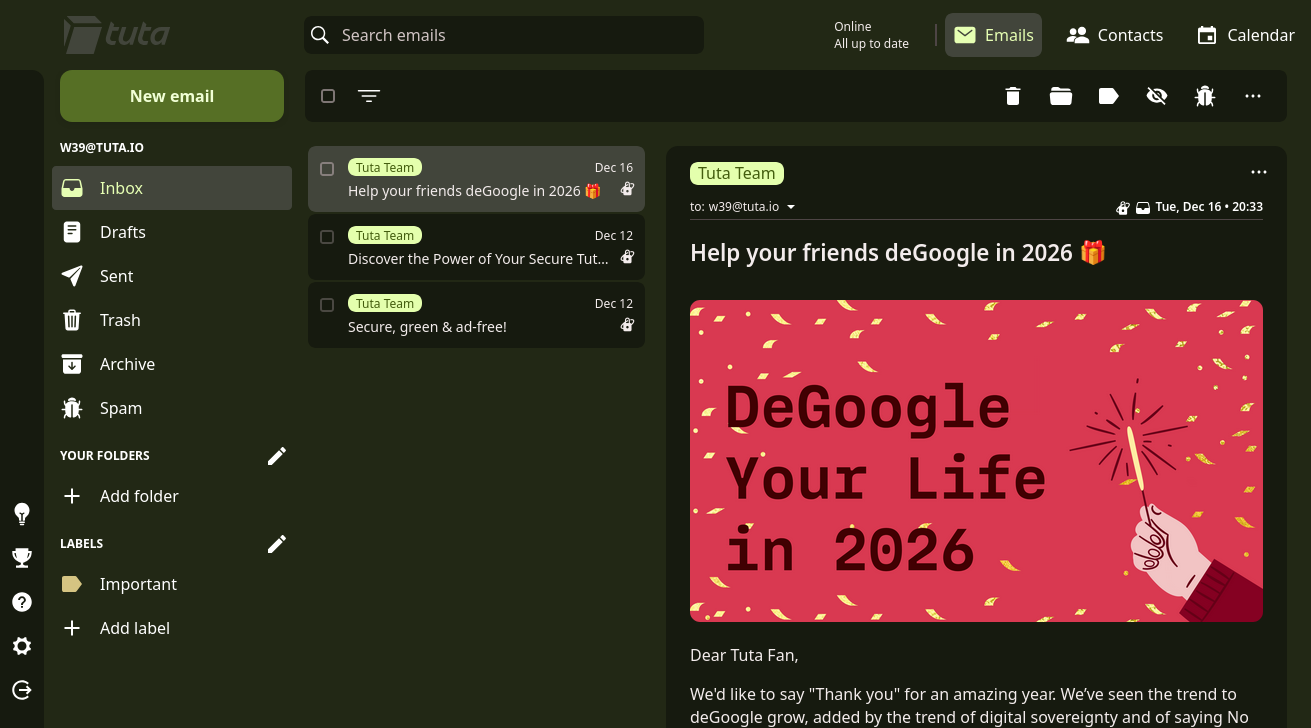
I really like the Tuta UI, it just looks so straightforward, and have the Material You vibe, even when the styles are limited (Without my userstyles below). The storage is good enough for the free plan, an 1GB storage. Because, all you need is the mail, contacts, and calendar metadatas which is text-only. And the images is often served with their own CDN, so I don't think it's stored to the storage or what. The real best part is, it's encrypted.
It doesn't have a whole ecosystem in it, and that's one of de-googling reasons. You should not put all your eggs in one basket. In Proton, you can get Email, VPN, Cloud storage, Password manager, Authenticator, Bitcoin Wallet (like what?), and Meeting. It's all you can get in one mail, looks so good right? The worrying part is, the whole Proton services can be so easy being hacker targets, because it's easier to targeting one whole suite. And just imagine, you changing your Proton email password for no reason and forgetting it. You're already having your whole datas on it, bank passwords, memories, 2 bitcoins, and just simply gone.
They're start to creating more and more, acquiring more and more services, and you know? It's can be end up being an whole monopoly company. You can learn more about it.
I switch to Tuta, because it's just simple, free, and user-friendly. It's all the anything you need to getting your mails. To simply doing it:
- Sign up to Tuta
- Be patient. It may takes 2/3 days approval, like what I have.
- Test it, may it suiting all your needs?
- Setup email forwarding with your Gmail. Here is the guide.
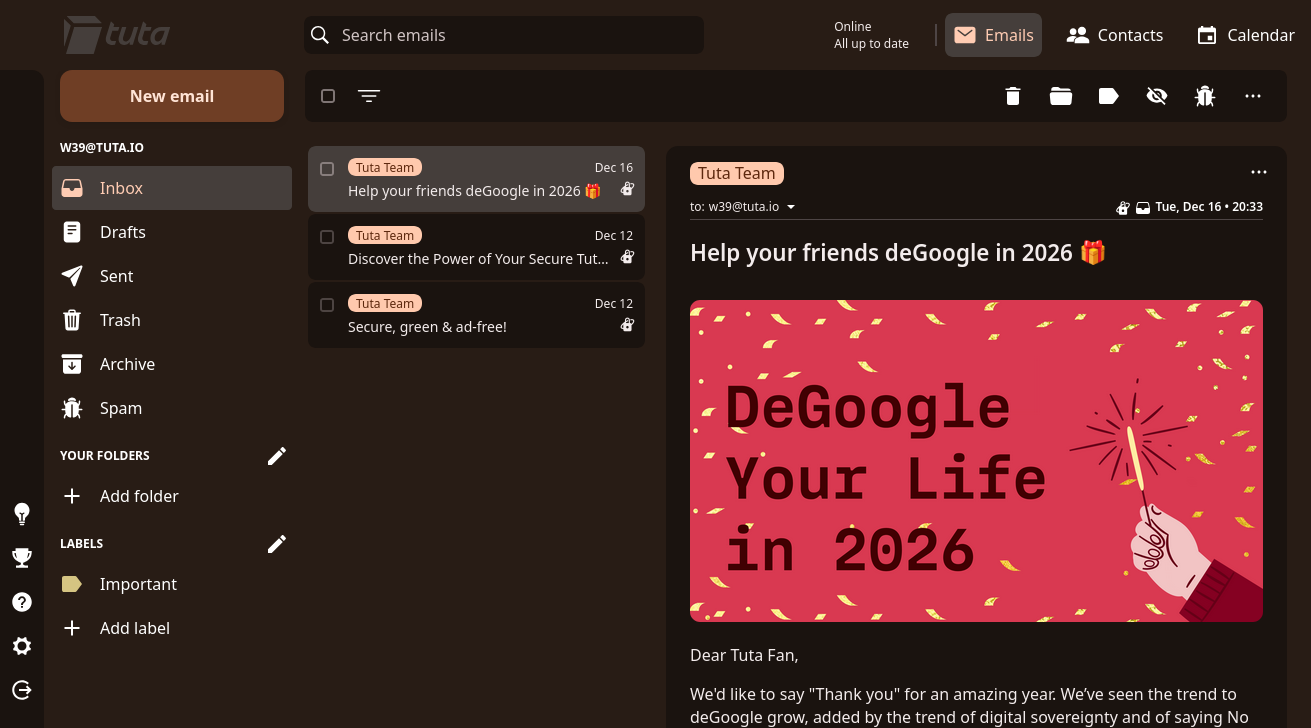
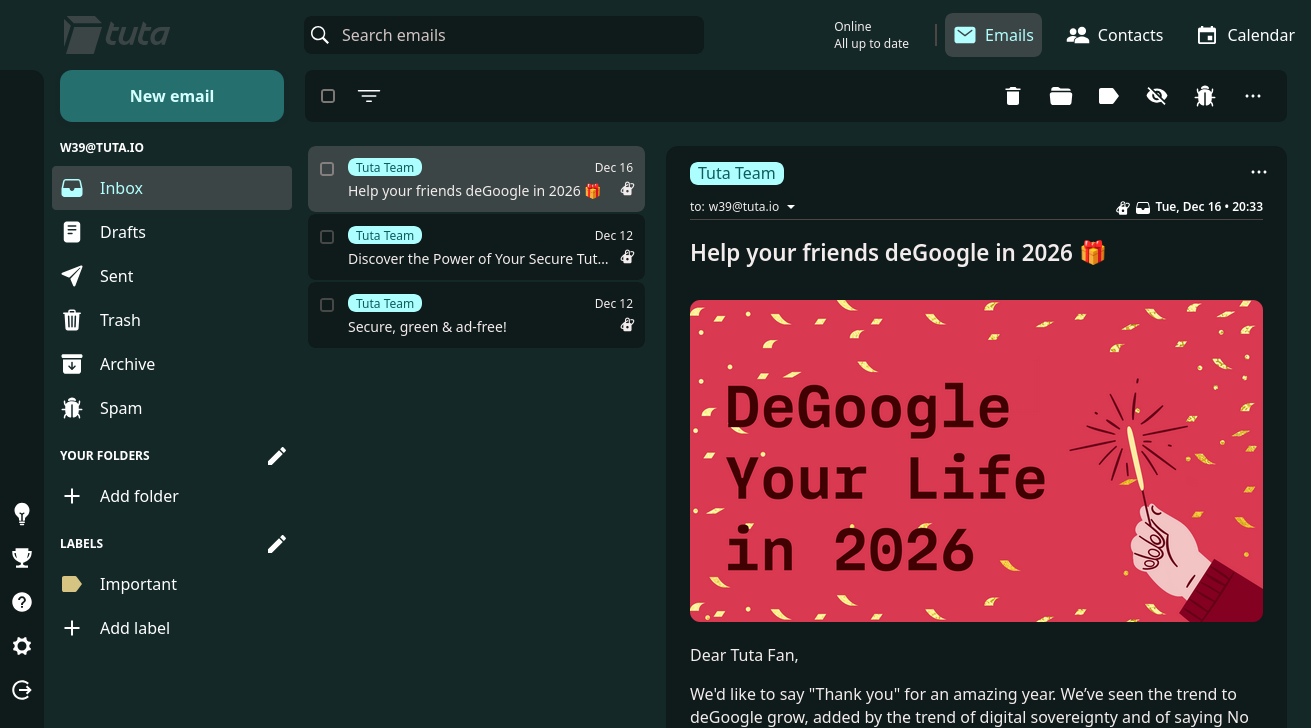
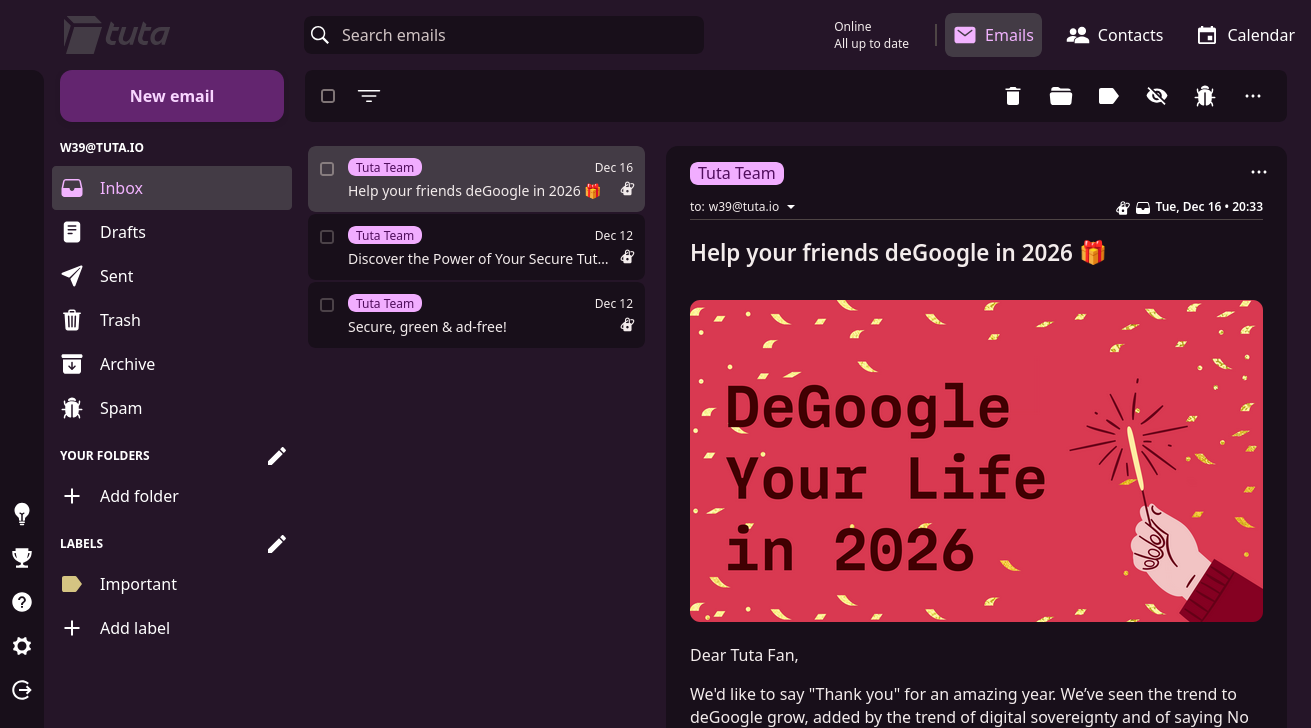
And if you planning to use the web client more, you can make it into your personal look!
First, install Stylus extension to your browser (If you still use Google Chrome, I recommend you to switching to the more privacy-respecting one like Firefox.)
And install my tuta.user.css. < Click it
You can edit the color schemes to your likes by editing the
--main-hue value. e.g. 20 for orange, 80 for green, 180 for teal, 290 for pink. Enjoy your Tuta!
Email me on
w39@tuta.io! Btw it's an reference to-