Making 3rd party launcher works properly in HyperOS 2
The only reason I wasting and slapping Xiaomi for the lack of the easier option of unlocking bootloader, is to makes my third party launchers works properly in my phone (Poco C75). It's basically so basic to having third-party launchers works with gesture! But, glad I found an workaround, no scripts or what. (XDA answer)
Install gesture navigation app
Xiaomi is merging the gestures functionality into the system launcher, so it's just doesn't simply fuctionable out of the box with another launcher. My recommendation is Edge Gestures, it's relatively cheap in my country, but you're free to choosing the alternative ones.
And to avoiding the app gones away after closing, you can go to [Security app > Boost speed > Settings icon (on top right) > Lock apps > Find your gesture navigation app, and enable it. Good luck with the random sorting.]. And make it autostarting, by go to [Settings > Apps > Background autostart > Enable your gesture navigation app.]
Install activity launcher
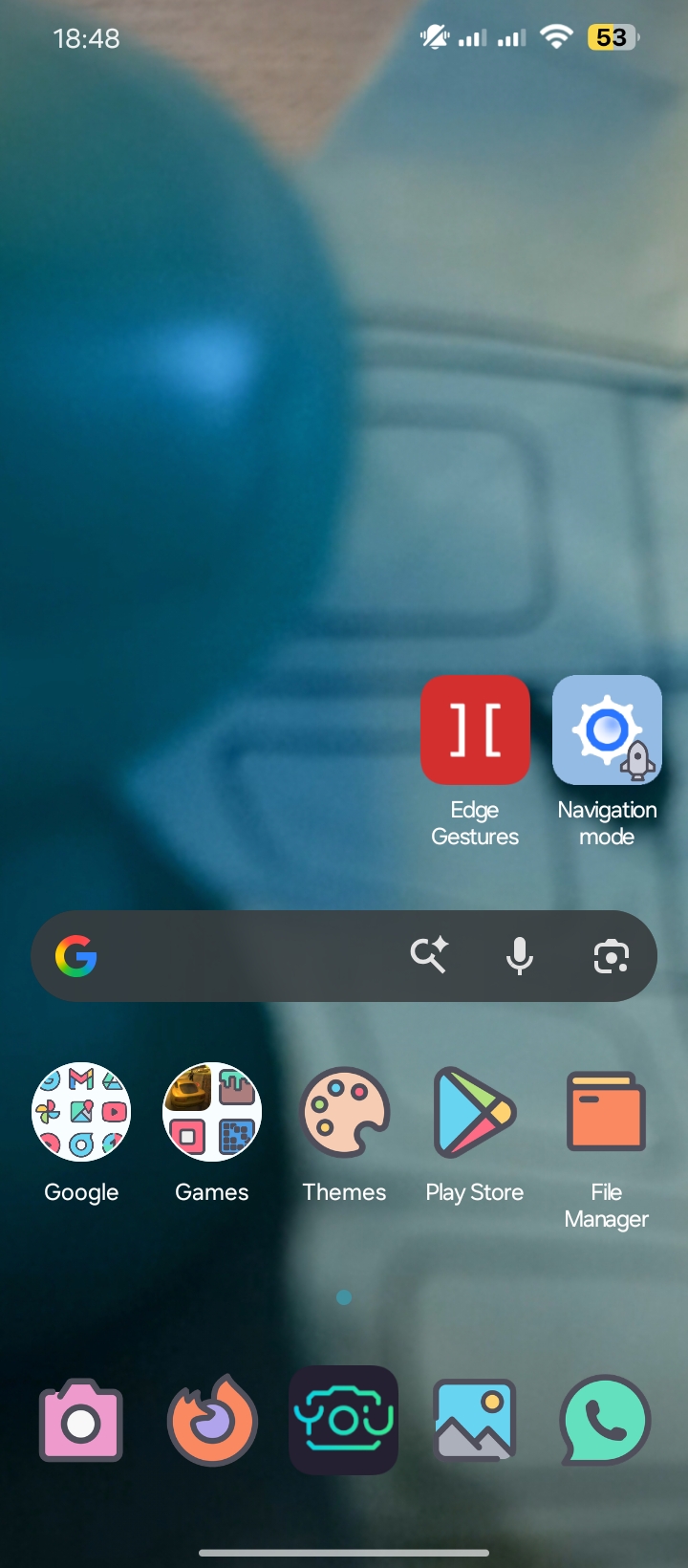
Basically the place where you can get a lot of settings hidden gem that mostly hidden. As the app launch, it may takes a while until it's done loading. Then, you can search to "Navigation mode", it's in "Settings" category, click it, and click again to "Navigation mode". You can click the "Launch activity" button to check if it's works, and I recommending you to click the "Create shortcut" button, so you can easily re-choosing the option, as after rebooting, the settings disappeared.
You can also easily goes to that option, by using this URL < click it.
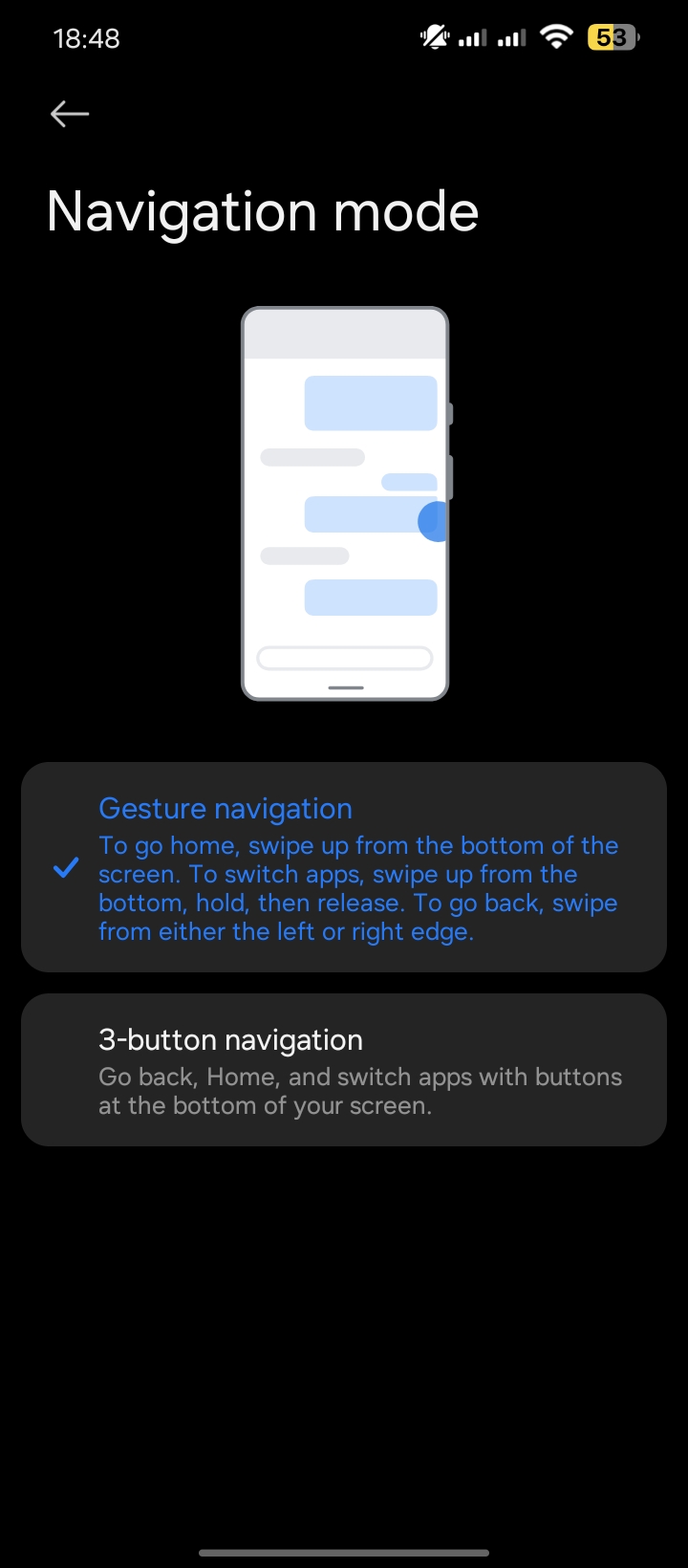
You can find the options, the first one is Gesture navigation, the second is 3-button navigation. You can click at the Gesture navigation one, and you can swipe to the home to check if it works.
And that's just how I do it. Now, I can easily using all the launchers like Nova, Niagara, Lawnchair or the icon packs I want, and less Xiaomi tracking.