The best terminal music player: rmpc. HTS?
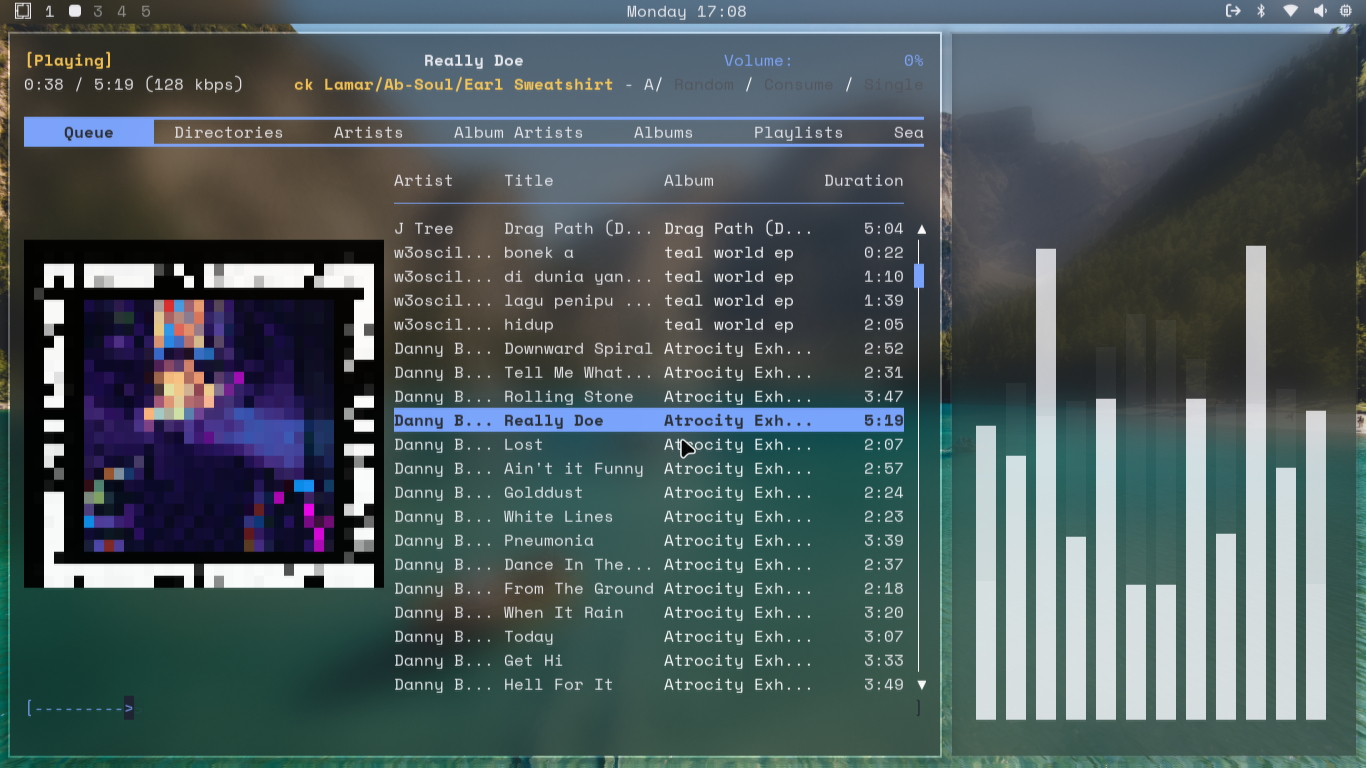
H: How -- T: To -- S: Setup?
Inspired by Bread on Penguins, and thanks so much flyingcakes for the guide to setup mpd!
Install the packages
sudo pacman -S mpd rmpc timidity++
Add mpd configuration
sudo nano ~/.config/mpd/mpd.conf
music_directory "~/Music"
playlist_directory "~/.mpd/playlists"
db_file "~/.mpd/database"
log_file "~/.mpd/log"
pid_file "~/.mpd/pid"
state_file "~/.mpd/state"

bind_to_address "localhost"
bind_to_address "~/.mpd/socket"
port "6600"

restore_paused "yes"
auto_update "yes"
auto_update_depth "3"

input {
    plugin "curl"
}

# Automically detect output type
audio_output {
    type "pulse"
    name "Pulse / PipeWire Output"
}
audio_output {
    type "alsa"
    name "ALSA Output"
}
audio_output {
    type "null"
    name "Silent Output"
}
For some reason, you may needed to create the .mpd directory.
mkdir ~/.mpd/
mkdir ~/.mpd/playlists
You can simply start or kill the mpd server. (You needed to restart your mpd server after change the config (by kill and start again))
mpd
mpd --kill

# In case it didn't work...
killall mpd
*Don't forget to start it! Or rmpc won't be worked.
Make it starting automically!
systemctl --user enable --now mpd.service
systemctl --user status mpd.service
Add rmpc config
rmpc config > ~/.config/rmpc/config.ron
...And change the address value to the socket directory
sudo nano ~/.config/rmpc/config.ron
# from this
address: "127.0.0.1:6600",

# to this
address: "~/.mpd/socket",
Update the music database~
# Scan MPD's music directory for updates
rmpc update

# Clear the current queue
rmpc clear

# Add a song to the current queue. Relative to music database root. '/' to add all files to the queue
rmpc add /
Now run the rmpc and enjoy your awesome TUI-based music player!